Installation instructions
To use pyneurode, you will need both the Open Ephys GUI plugins and the pyneurode library
Install the online whitening plugin from link.
From our testing, online whitening is important for sorting accuracyInstall the OESpikeUtilities plugins from link
The OESpikeUtilities plugin allows one to set a threshold for all channels, and also provides a modify LFP viewer to show the detected spikesInstall the ZMQ plugin from link
This is a fork of the original ZMQ plugins but with various bug fixes.Clone the pyneurode library from git hub.
git clone https://github.com/teristam/pyneurodeGo to the cloned project folder, install it with pip. All the package pre-requisite should also be installed automatically.
pip install .
(Note that some pyneurode code is written in Cython for optimized performance, so to install the package properly, your computer should have some kind of C++ compiler already installed.)Test the installation by running
python -m pyneurode.sorter_node_simpler.
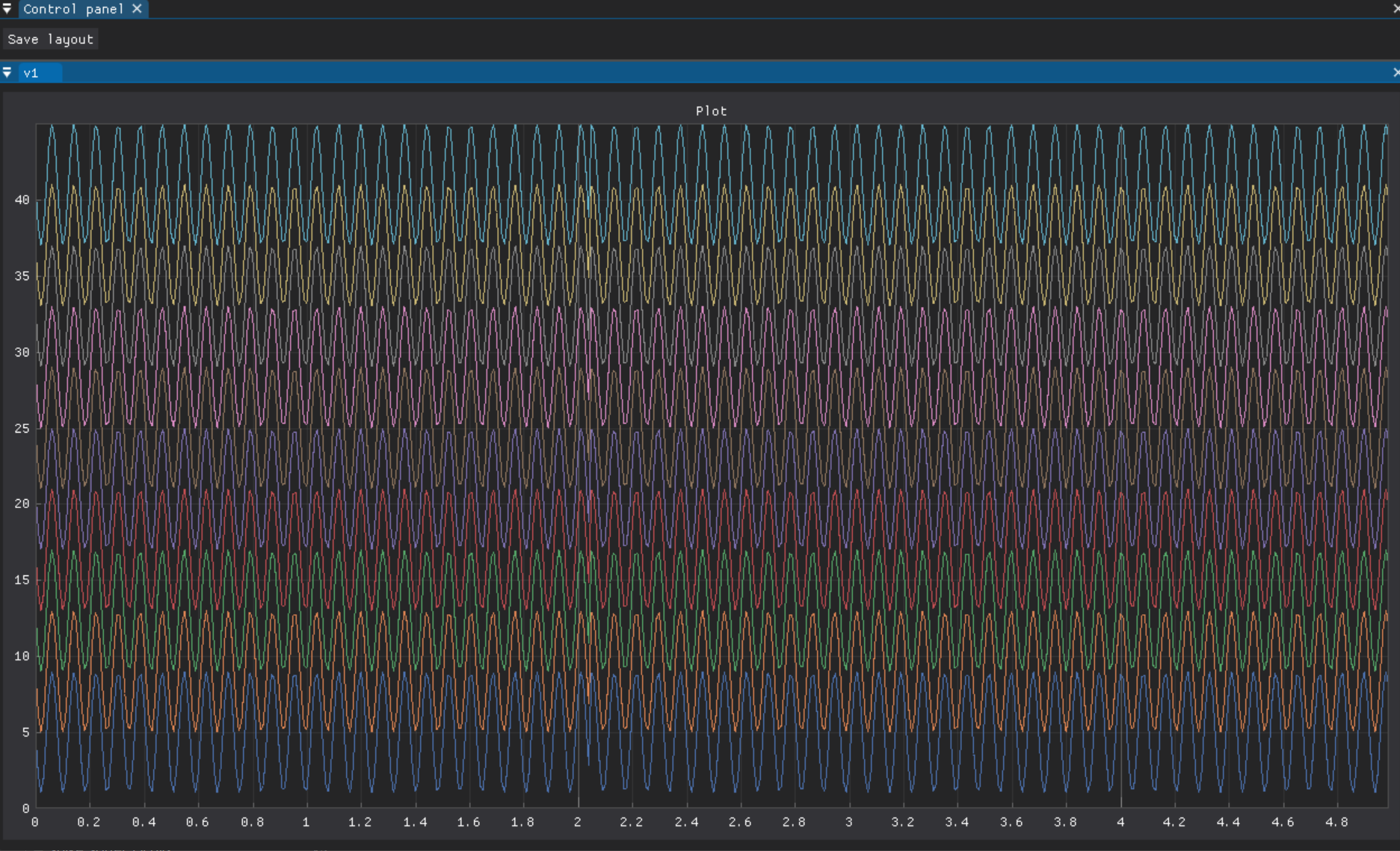
If everything is installed correctly, a sample program will run